
IGES to GLB Converter
Bring legacy IGES CAD into the modern web. IGES stores exact surfaces and solids (a B-rep boundary model), so we tessellate them into a triangle mesh and export a compact GLB for three.js, model-viewer and AR. The conversion runs entirely in your browser — your IGES files are never uploaded.
How conversion works
- Drop your IGES fileDrag a .igs or .iges file onto the converter — parsed locally, never uploaded.
- Tune mesh densityPick mesh detail for smoother curves or a lighter file, and preview in 3D.
- Download the GLBGrab the GLB, ready for web and AR viewers.
What you can do
- Reads IGES (.igs / .iges) surface and solid models, including trimmed NURBS surfaces.
- Tessellates exact B-rep geometry to triangles with an adjustable deflection for the right smoothness-vs-size balance.
- Exports self-contained binary GLB for three.js, Babylon, model-viewer and AR toolchains.
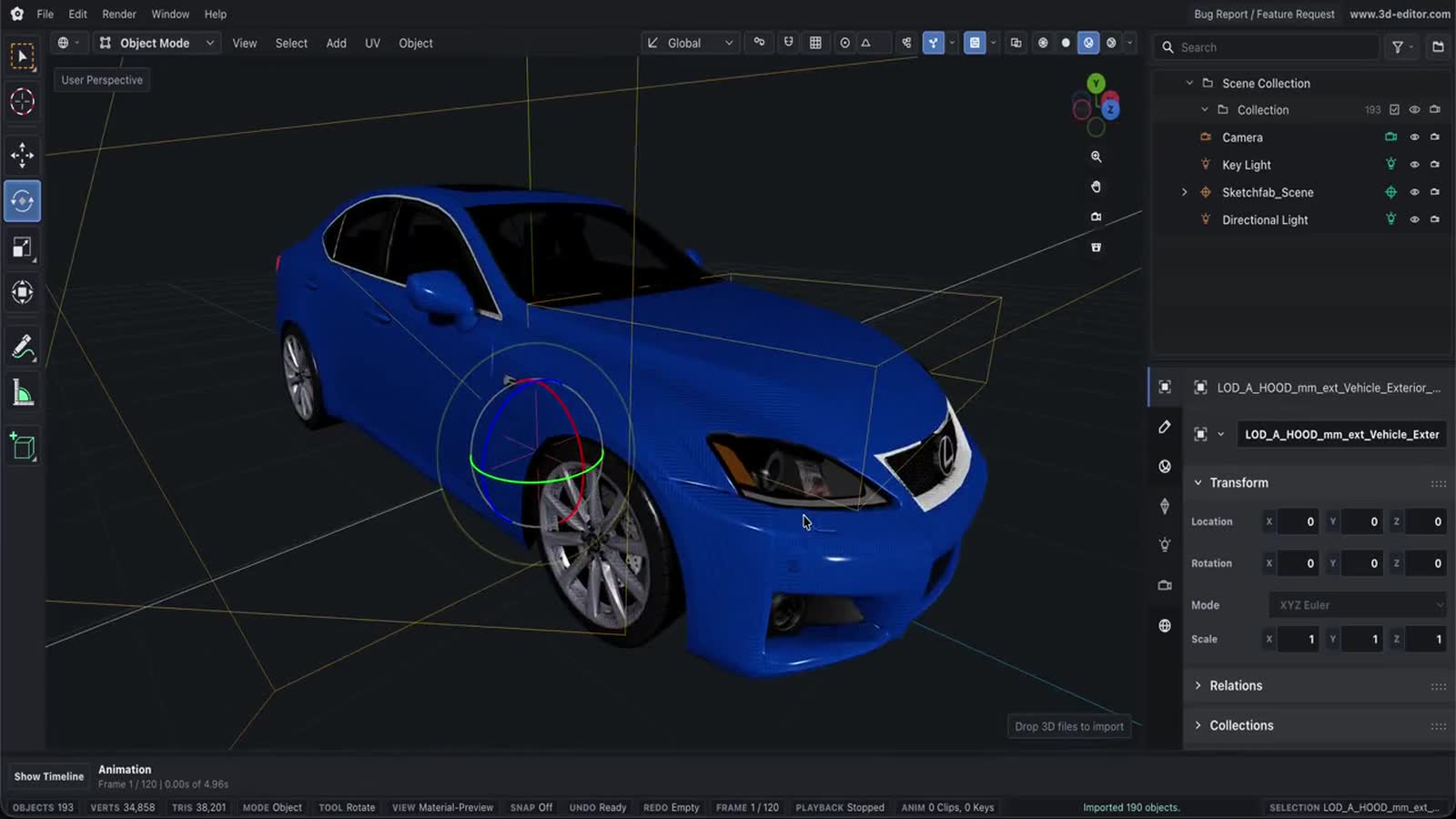
- Live studio-lit 3D preview so you can inspect the meshed result before downloading.
- Fully client-side — IGES parsing happens in-browser with WebAssembly (OpenCascade), with no upload.
- Free and unlimited, no watermark or account.
Important limitations
- Meshing is one-way and lossy — the tessellated GLB can’t be converted back to exact IGES surfaces.
- IGES is an older interchange format; open/untrimmed surfaces may tessellate as thin sheets rather than closed solids.
- Mesh accuracy is set by the deflection tolerance; tighter tolerance means smoother curves and larger files.
- Layer, color and metadata support in IGES is limited and may not fully carry into GLB — only geometry is guaranteed.
- IGES units vary by file; GLB is unitless, so verify scale in your target viewer.
Questions, answered
What’s the difference between .igs and .iges?
None — they’re two extensions for the same IGES format. Both are accepted.
Why does IGES have to be tessellated for GLB?
IGES describes exact surfaces; GLB and GPUs render triangles. We mesh the surfaces so they display everywhere, with a mesh-detail control to trade accuracy for size.
Are my IGES files uploaded anywhere?
No. Parsing and export run in your browser with WebAssembly — the file never leaves your device.
My IGES has gaps after conversion — why?
IGES often stores open, unstitched surfaces. Those tessellate as separate sheets rather than a sealed solid; a STEP source or a repair pass gives a cleaner closed mesh.
Can I get STL or an editable model instead?
This page outputs GLB; the conversion to a mesh is one-way, so an editable CAD result isn’t possible. For printing, use a STEP-to-STL path or open the GLB in the editor.