
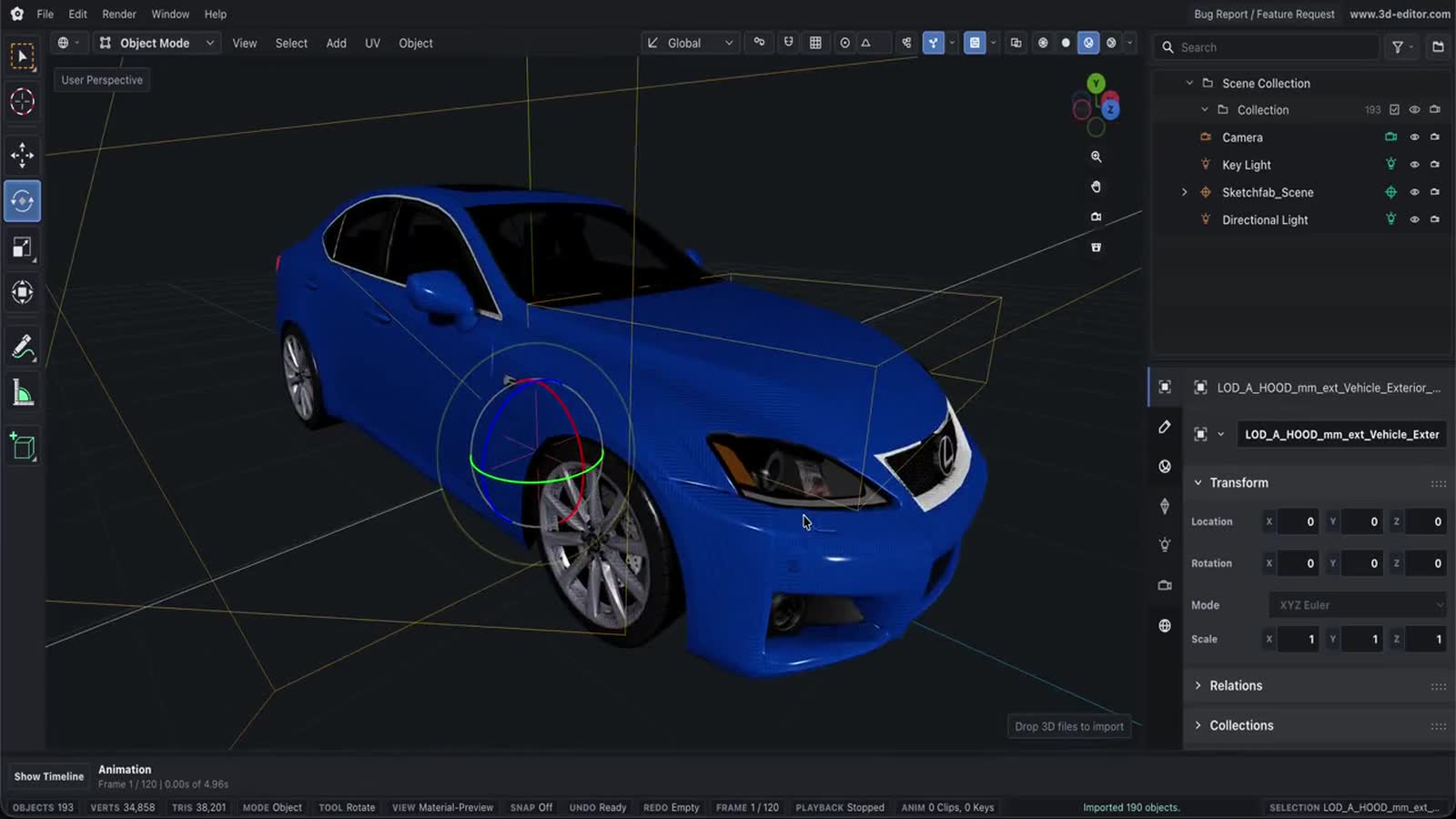
STEP to GLB Converter
Turn STEP CAD files into web-ready GLB. STEP stores exact boundary-representation (B-rep) surfaces, so we tessellate those surfaces into a triangle mesh and pack it as a compact glTF binary you can drop into three.js, model-viewer or any AR pipeline. Everything runs locally in your browser — your engineering data never leaves your device.
How conversion works
- Drop your STEP fileDrag a .step or .stp file onto the converter — it’s read locally, nothing is uploaded.
- Pick mesh detailAdjust mesh density if you need finer curves or a lighter mesh, and preview the tessellated model in 3D.
- Download the GLBGrab the binary GLB, ready for the web, glTF viewers and AR.
What you can do
- Reads STEP AP203/AP214/AP242 assemblies (.step and .stp), including multi-solid parts.
- Tessellates exact B-rep surfaces to triangles with an adjustable deflection so curved faces stay smooth without exploding the poly count.
- Outputs binary GLB — a single self-contained file ready for three.js, Babylon, model-viewer and USDZ/AR toolchains.
- Live studio-lit 3D preview: orbit the tessellated result before you download.
- 100% client-side — the STEP file is parsed with WebAssembly (OpenCascade) in your browser and is never uploaded.
- Free and unlimited, with no watermark, account or file-size cap beyond your machine’s memory.
Important limitations
- Conversion is one-way: exact B-rep surfaces are tessellated into a fixed triangle mesh, so the result is an approximation and cannot be converted back to editable CAD.
- Mesh accuracy is governed by the deflection setting — tighter tolerance means smoother curves but heavier files.
- PMI, GD&T, assembly constraints, feature history and metadata are not carried into GLB; only geometry (and basic per-solid grouping/color) survives.
- Units in STEP are typically millimetres; GLB is unitless, so scale in your target viewer if needed.
- Very large assemblies depend on your device’s memory and CPU, since all tessellation happens in the browser.
Questions, answered
Is STEP the same as STP?
Yes — .stp is just the short extension for the same STEP (ISO 10303) format. Both work here.
Why does STEP need to be tessellated?
STEP describes shapes as exact mathematical surfaces (B-rep). GPUs and glTF render triangles, so the surfaces must be meshed. We do that conversion, letting you trade accuracy against file size via the mesh-detail control.
Are my CAD files uploaded to a server?
No. The STEP file is parsed entirely in your browser with WebAssembly. Nothing is sent anywhere.
Can I convert the GLB back to STEP?
No. Meshing is a one-way, lossy step — the exact surfaces and CAD feature data are gone once tessellated. Keep your original STEP as the source of truth.
Will colors and assembly structure survive?
Per-solid grouping and basic colors are preserved where present, but PMI, tolerances, materials and product metadata are not part of the mesh output.