
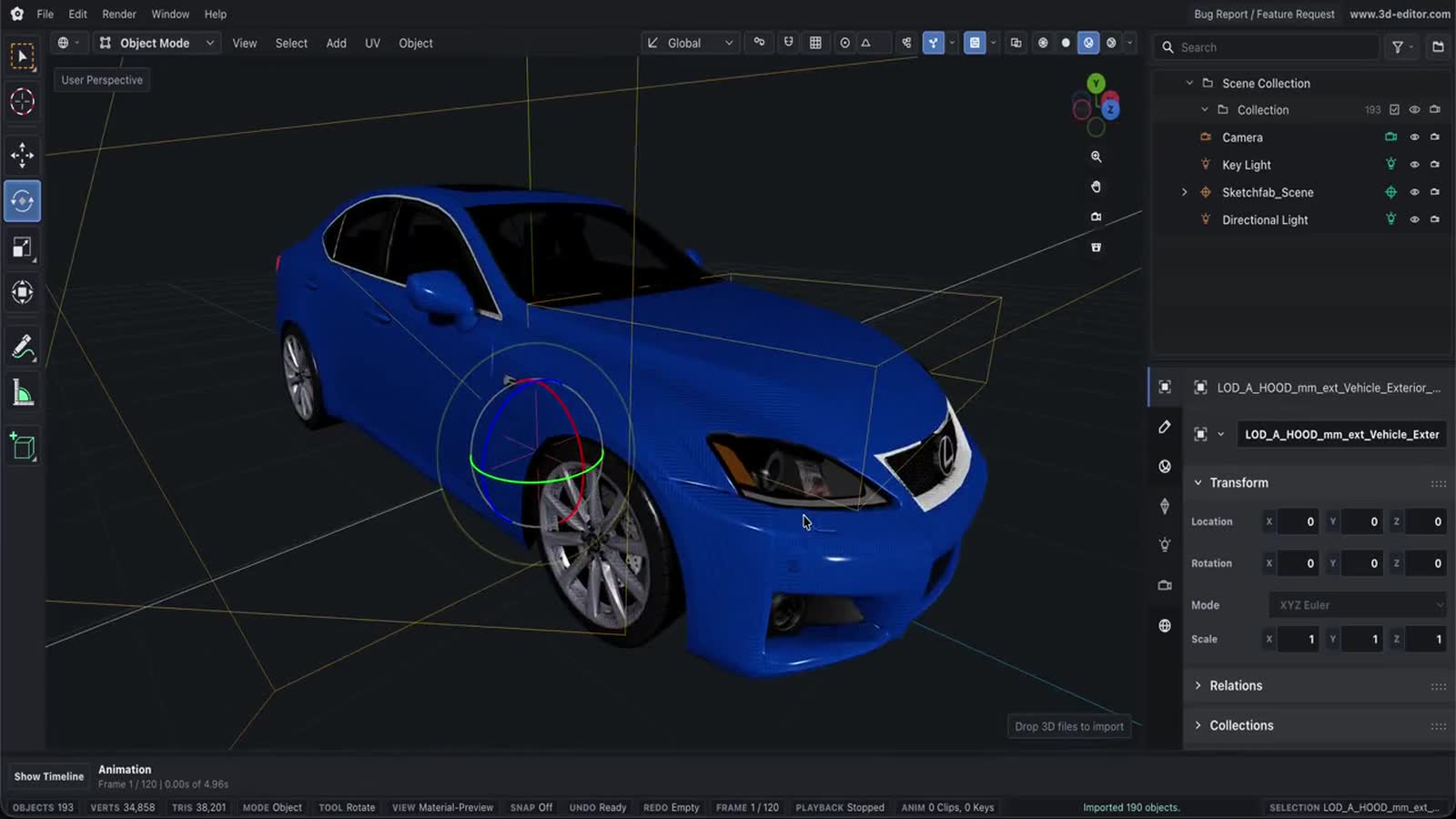
Online GLB Editor
Use Online 3D Editor as a browser-based GLB workflow for importing, editing, previewing, and exporting 3D models.
Capabilities
What you can do
- Inspect GLB scene hierarchy, materials, cameras, lights, and animation clips.
- Edit object transforms, mesh geometry, materials, UVs, and export settings.
- Export edited scenes to GLB, GLTF, OBJ, STL, PLY, or USDZ.
Process
Workflow
- Import your GLB file.
- Edit objects, mesh data, materials, lights, cameras, or animation.
- Export to a supported 3D format or save a .web3d project.
Support
Format support
- Input
- GLB
- Format
- GLB
Learn by doing
Related tutorials
How to Edit a 3D Model OnlinePractice importing, changing materials, moving parts, and exporting with a GLB lamp in the full editor.How to Animate a 3D Model OnlineUse the GLB speaker sample to animate position, rotation, and scale, then export an animated GLB from the full editor.How to Add Textures to a 3D Model OnlineApply a wood image and adjust its UV placement in the full editor. This guide covers a base-color texture, not normal-map generation.
Next