
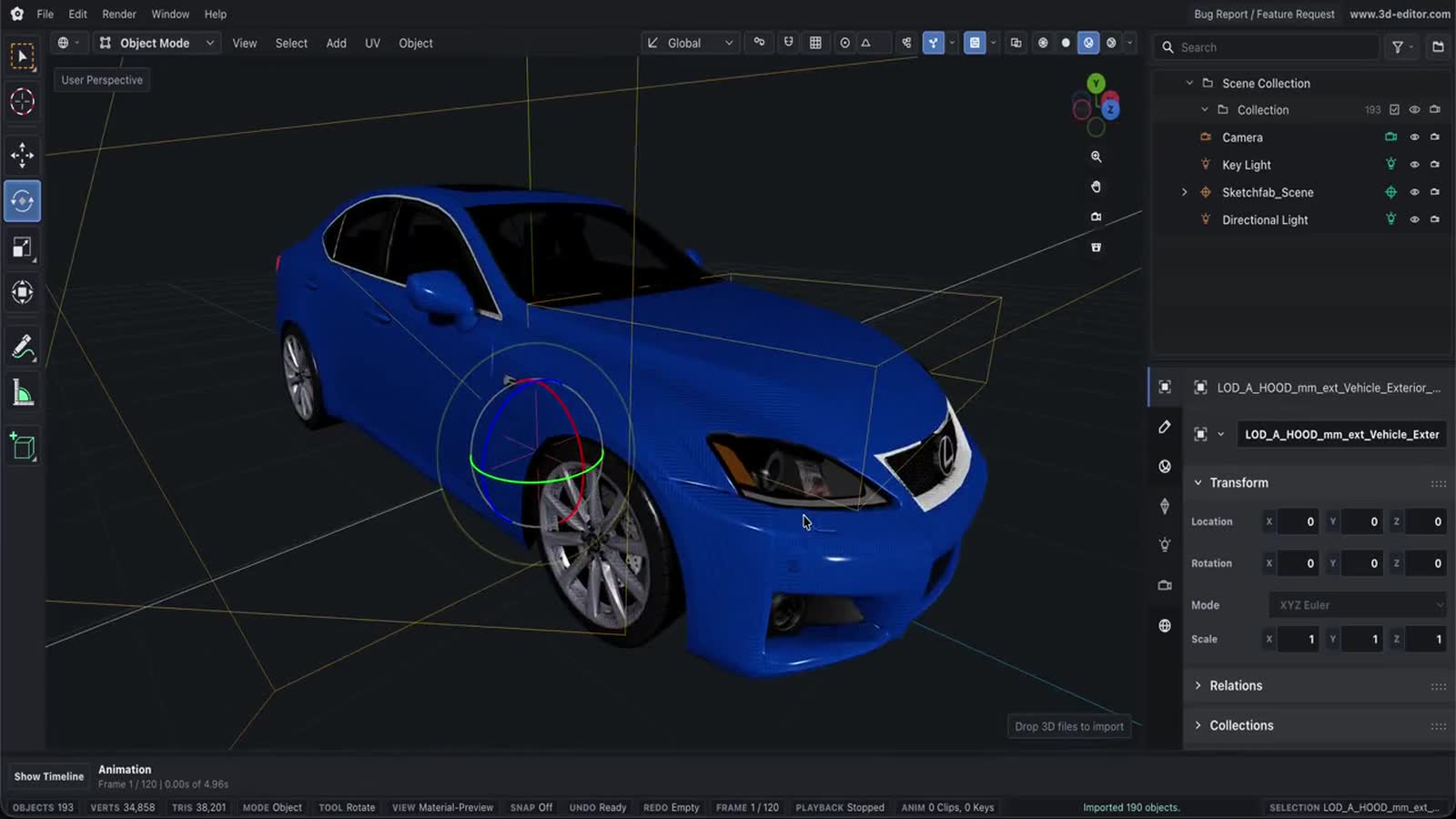
FBX to GLB Converter
Convert Autodesk FBX to web-ready GLB, right in your browser. FBX is the studio interchange format for rigged, animated, textured models — we translate it into a single self-contained glTF binary for three.js, model-viewer and AR, with your textures and animation intact. Nothing is uploaded.
How conversion works
- Drop your FBXDrag a .fbx file onto the converter (add its texture images if they’re external). It’s read locally — nothing is uploaded.
- Choose your optionsKeep or drop animations, and keep textures full-size or downscale them. Then convert and preview the result in 3D.
- Download the GLBGrab the self-contained binary GLB — ready for three.js, Babylon, model-viewer, USDZ/AR pipelines and the web.
What you can do
- Reads binary and ASCII Autodesk FBX, including rigged and animated characters.
- Preserves materials and textures — textures embedded in the FBX come across automatically; drop external image files alongside it and they’re packed in too.
- Keeps animation clips (skeletal and morph) in the GLB, or leave them out for a smaller static model.
- Optionally downscales oversized textures to 2048 or 1024 px to shrink the output.
- Live studio-lit 3D preview — orbit the converted model before you download.
- 100% client-side: the FBX is parsed in your browser and never uploaded, with no watermark, account or file-size cap beyond your machine’s memory.
Important limitations
- FBX is a mesh format, so the GLB is a direct geometry/material/animation translation — there is no lossy re-tessellation, but proprietary FBX features (some constraints, custom deformers) are not represented in glTF.
- Externally-referenced textures must be added alongside the .fbx; the browser cannot reach files stored elsewhere on your disk.
- Cameras, lights and scene units differ between FBX and glTF; glTF is unitless, so scale in your target viewer if needed.
- PBR fidelity depends on the source materials — FBX’s Phong/Lambert materials are mapped to glTF’s metallic-roughness model as closely as possible.
- Very large or high-poly FBX files are processed on your device, so speed depends on your machine.
Questions, answered
Are my FBX files uploaded to a server?
No. The FBX is parsed entirely in your browser and the GLB is written locally. Nothing is ever uploaded.
Do textures and materials carry over?
Yes. Textures embedded in a binary FBX are extracted automatically. If your FBX references external image files, drop them onto the converter alongside the .fbx and they’ll be packed into the GLB.
Are animations preserved?
Yes. Skeletal and morph-target animation clips are exported into the GLB by default. Turn off “Keep animations” if you only need a static model and a smaller file.
Why convert FBX to GLB?
GLB is the web and AR standard: a single self-contained file that loads in three.js, Babylon, model-viewer and every glTF viewer, with far smaller size and broader support than FBX on the web.
Is there a file-size limit?
Only your device’s memory. Conversion runs locally, so there’s no server cap, no watermark and no account required.