
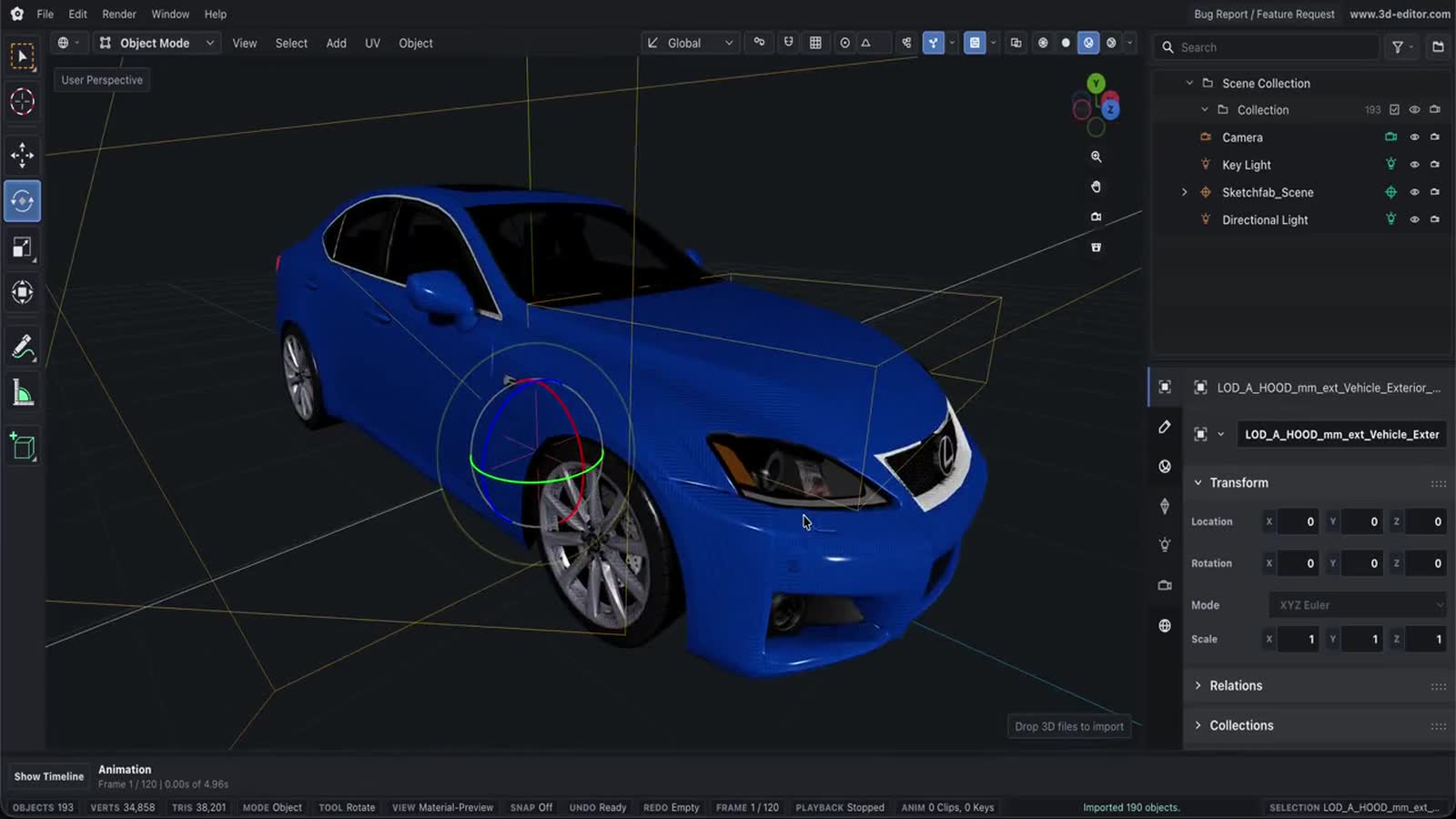
3D Object Converter Online
Use a browser-based 3D object converter to drop a supported model, convert it, and download the exported file without installing desktop software.
Popular
Step 1Pick a format pair to startChoose what you have and what you need above — the converter opens right here. Files are read in your browser and never uploaded.
What survives each conversion
Every conversion on this site runs the same import and export pipeline as the editor, in your browser — no upload, no queue. Geometry always makes the trip. What changes between output formats is everything around it, so pick the target that keeps the data you actually need.
| Output | Geometry | Materials & textures | Animation | What that means |
|---|---|---|---|---|
| GLB | Kept | Kept | Kept | Materials, textures, cameras, lights and animation clips all survive. The best default. |
| GLTF | Kept | Kept | Kept | Same fidelity as GLB, written as JSON instead of a single binary file. |
| OBJ | Kept | Dropped | Dropped | Geometry only. No companion .mtl file is written, so materials do not travel. |
| STL | Kept | Dropped | Dropped | Surface triangles only — the 3D-printing baseline. No colour, texture, light or camera data. |
| PLY | Kept | Vertex data only | Dropped | Positions plus any vertex normals, colours and UVs. Textures and material graphs are not represented. |
| USDZ | Kept | Kept | Dropped | Meshes and textured materials for AR Quick Look. The exporter has no animation support. |
| FBX | Kept | Kept | Source-dependent | Textures are embedded. Clips only carry over from sources that attach them to the object tree (FBX, DAE) — not from glTF. |
What you can bring in
- Mesh and scene formats: GLB, GLTF, OBJ, FBX, STL, PLY, DAE, 3MF, VRML, VTK, USD, USDA, USDC, USDZ. VRML accepts both .vrml and .wrl.
- CAD solids: STEP and IGES. These are exact B-rep surfaces, so they are tessellated into triangles — a one-way step that cannot be reversed back into editable CAD.
- Animation clips are only read from GLB, GLTF, FBX, DAE files. The other importers return geometry and materials only, so there is nothing for the exporter to carry even when the target format supports it.
- Drop dependencies alongside the model: .mtl for OBJ materials, the .bin buffer for .gltf, and any texture images (PNG, JPG, WebP, KTX2, DDS, TGA). Without them the geometry still converts, but the materials arrive bare.
- Nothing is uploaded. Files are parsed and written locally, which also means very large assemblies are limited by your own machine’s memory rather than a server quota.
Converters people actually search for
Each of these has its own page with format-specific notes, a preview where the engine supports one, and the same in-browser converter as above.
STEP to STL ConverterCAD tessellationGLB to GLTF Converter3D format converterFBX to OBJ Converter3D format converterSTEP to GLB ConverterCAD tessellationGLB to STL Converter3D format converterOBJ to GLB Converter3D format converterGLB to USDZ Converter3D format converterFBX to GLB Converter3D format converterGLB to FBX Converter3D format converterGLB to PLY Converter3D format converterIGES to GLB ConverterCAD tessellationSTL to GLB Converter3D format converterDAE to OBJ Converter3D format converterOBJ to FBX Converter3D format converterDAE to FBX Converter3D format converterFBX to STL Converter3D format converterSTL to OBJ Converter3D format converterGLTF to FBX Converter3D format converter3MF to OBJ Converter3D format converter