DAE to OBJ Converter
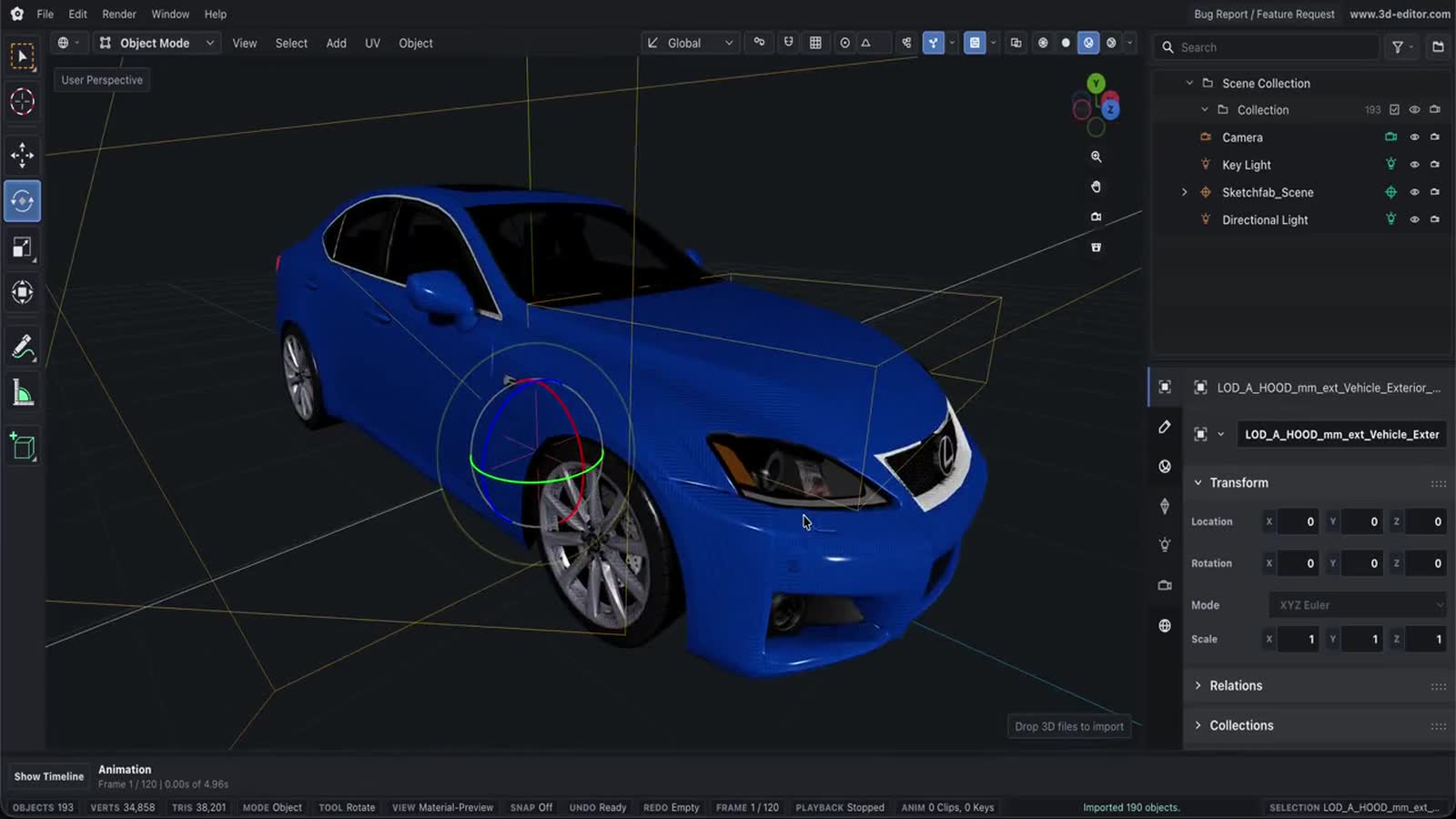
Drop a DAE file into the browser converter, import it with the editor pipeline, and export the result as OBJ.
ConverterLoading the converter…It runs in your browser, so it downloads the first time you open this page.
How conversion works
- Drop or select your DAE file.
- Click Convert to OBJ.
- Download the converted OBJ file.
What you can do
- Import supported DAE files directly in the browser.
- Convert the imported scene to OBJ using the same exporter as Online 3D Editor.
- Download the converted OBJ file without installing desktop software.
Important limitations
- OBJ export is geometry-only in this editor and does not write a companion MTL file.
- Animation, camera, light, and advanced material data may not survive this output format.