
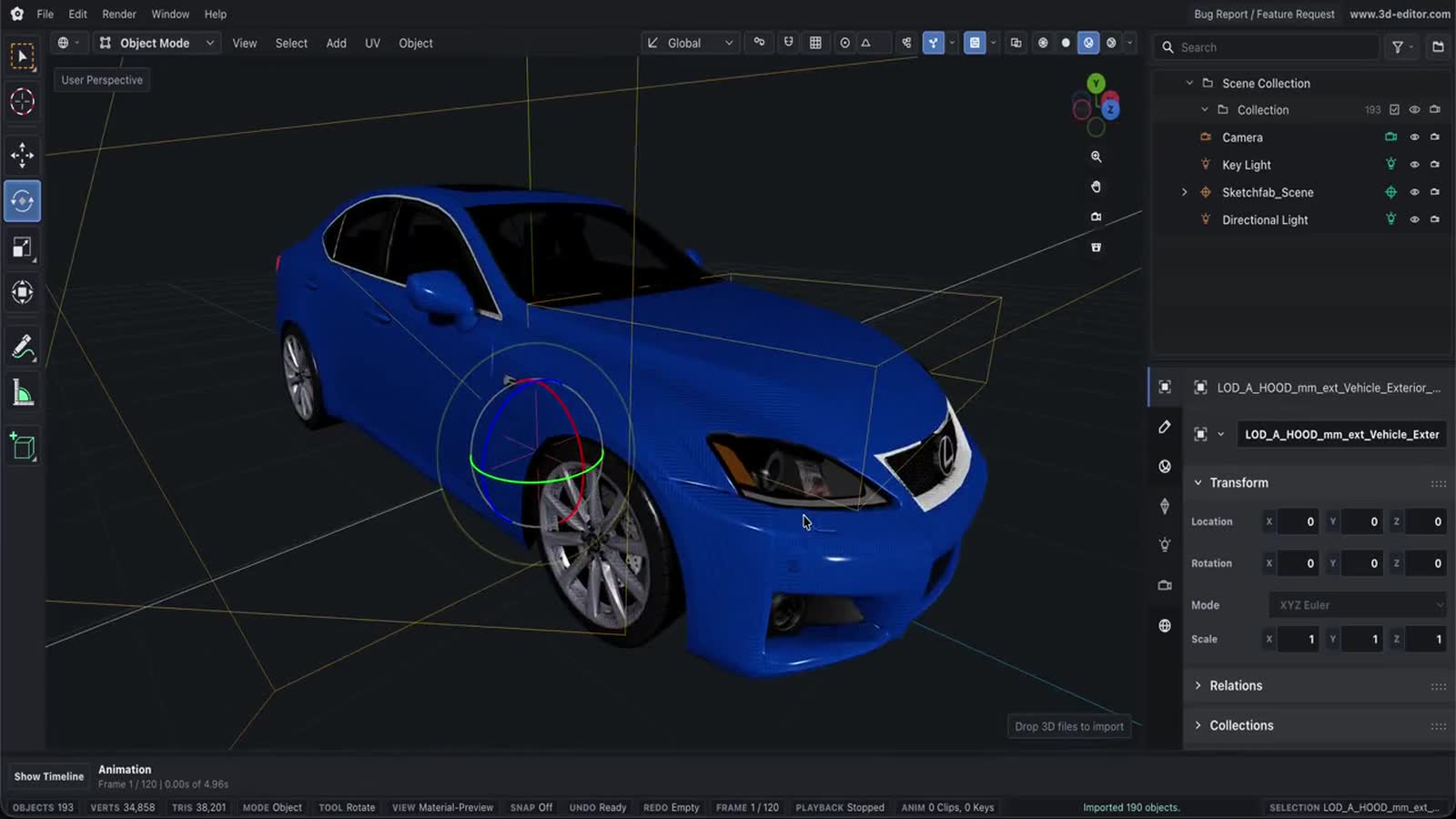
Online 3D Model Editor
Edit 3D models online without installing desktop software, using a browser workspace for meshes, materials, UVs, animation, cameras, lights, and exports.
Capabilities
What you can do
- Open imported 3D models or start with primitives in the browser editor.
- Edit object transforms, mesh geometry, materials, UVs, animation, lighting, and render settings.
- Convert and export finished models to supported 3D file formats.
Process
Workflow
- Open the editor.
- Import a 3D model or create a scene.
- Edit the model, then save, render, convert, or export.
Support
Format support
- Workspace
- Browser-based 3D editing
Inside the editor
A real model. A few small edits.
Meet Orbit, a small desk lamp you can make your own. Download the sample, open it in the editor, and try changing its shape, placement, or finish.
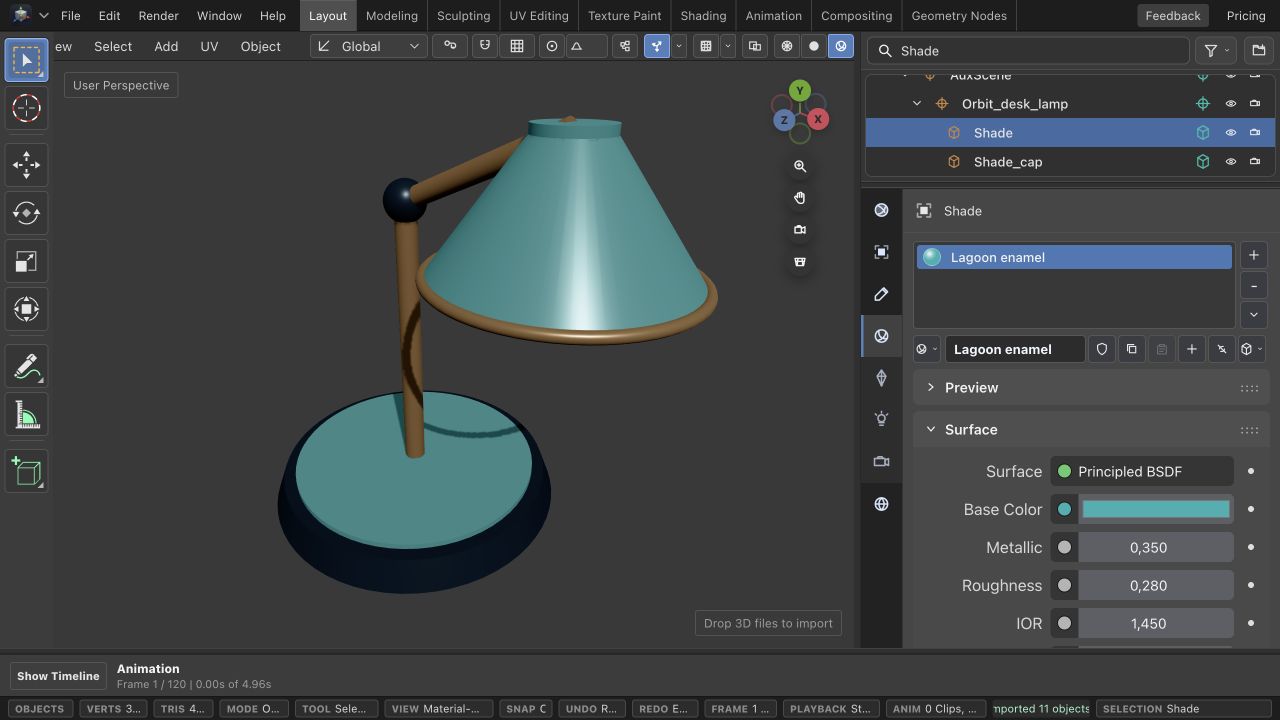
Material Preview, overlays off; the default Cube and Camera are hidden in the Outliner.
Bring the model in
Open the editor and choose File → Import Files, then select the downloaded GLB. For a glTF with separate textures or a .bin file, select those companion files together. If the default Cube overlaps your model, hide it with the eye control in the Outliner.
Give it your own finish
Select a mesh in the viewport or Outliner. Use Object → Transform to change Location, Rotation, or Scale. Switch to Material to adjust Base Color, Metallic, and Roughness—try a new finish on the shade.
Keep the project, share the model
Use File → Save to keep an editable project in this browser. To download a model, open File, choose GLB binary in the Export section, pick Entire scene or Selected, and press Export.
Learn by doing
Related tutorials
Next