
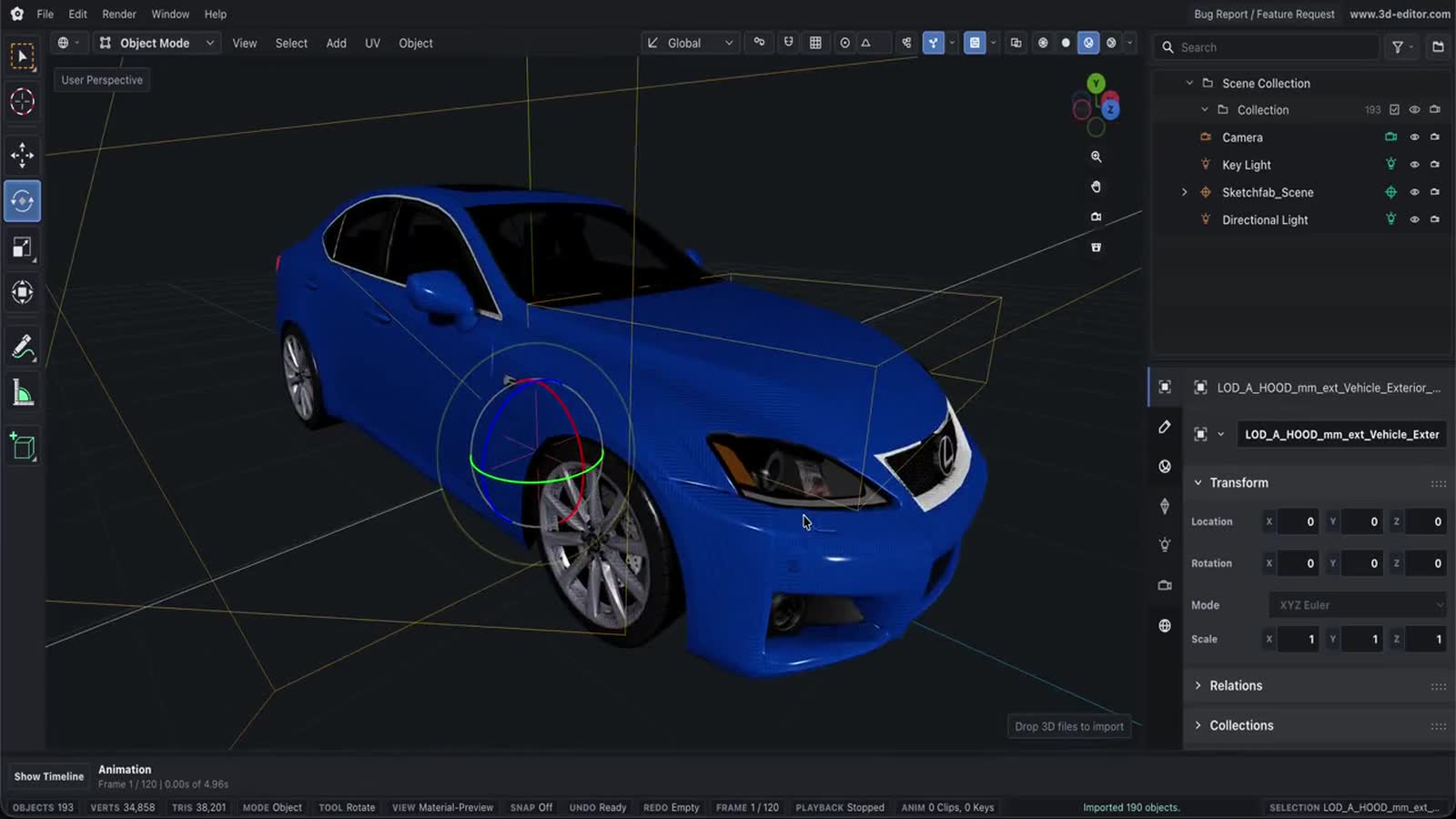
Online 3MF Editor
Use Online 3D Editor as a browser-based 3MF workflow for importing, editing, previewing, and exporting 3D models.
Capabilities
What you can do
- Import 3MF manufacturing-oriented assets into the scene editor.
- Adjust transforms, mesh data, materials, and scene organization.
- Export the edited result to supported browser-friendly formats.
Process
Workflow
- Import your 3MF file.
- Edit objects, mesh data, materials, lights, cameras, or animation.
- Export to a supported 3D format or save a .web3d project.
Support
Format support
- Input
- 3MF
- Format
- 3MF
3MF editing guide
How to edit a 3MF file online
Work on the model's geometry in the full editor. Keep your original 3MF file: this workflow exports an edited model in another format, not an updated 3MF slicer project.
- Import your modelOpen the editor, choose File → Import Files, and select your .3mf file. Select the imported part in the Outliner. Hide the default Cube if it overlaps your model.
- Make your changesUse Object → Transform for Location, Rotation, and Scale. Switch to Edit Mode to work on mesh vertices, edges, or faces. Imported meshes are editable geometry, not the original CAD features or parametric history.
- Export the edited partsIn File → Export, choose a supported format and set Scope to Selected to export only the parts you selected. Recheck dimensions in your slicer before printing, especially after scaling or exporting to STL.
Can I save the result as 3MF?
3MF export is not supported. Printer profiles, support settings, plate layouts, and other slicer-specific project settings are not preserved by this editing workflow. Keep the original project in your slicer if you need those settings.
Just need to inspect a file? Use the 3MF viewer. For a format change without editing, use the 3MF to OBJ converter.
Choose an export format
- GLB / glTF
- For supported geometry and materials. Free-plan exports have a daily limit.
- STL / OBJ
- Geometry-only output in this editor. Colors and materials are not preserved. These editor export formats require Pro; see plan details.
Learn by doing
Related tutorials
Next
Related pages
3MF viewerObjects, colours & sizesOnline 3D Tools3D editor resources3D File FormatsFormat references3D Object Converter Online3D format conversion3D measure & inspectDimensions, volume, mass, BOMPrintability checkerWatertight, fit & filament costSTL repairWatertight & printableOnline GLB Editor3D format editor