
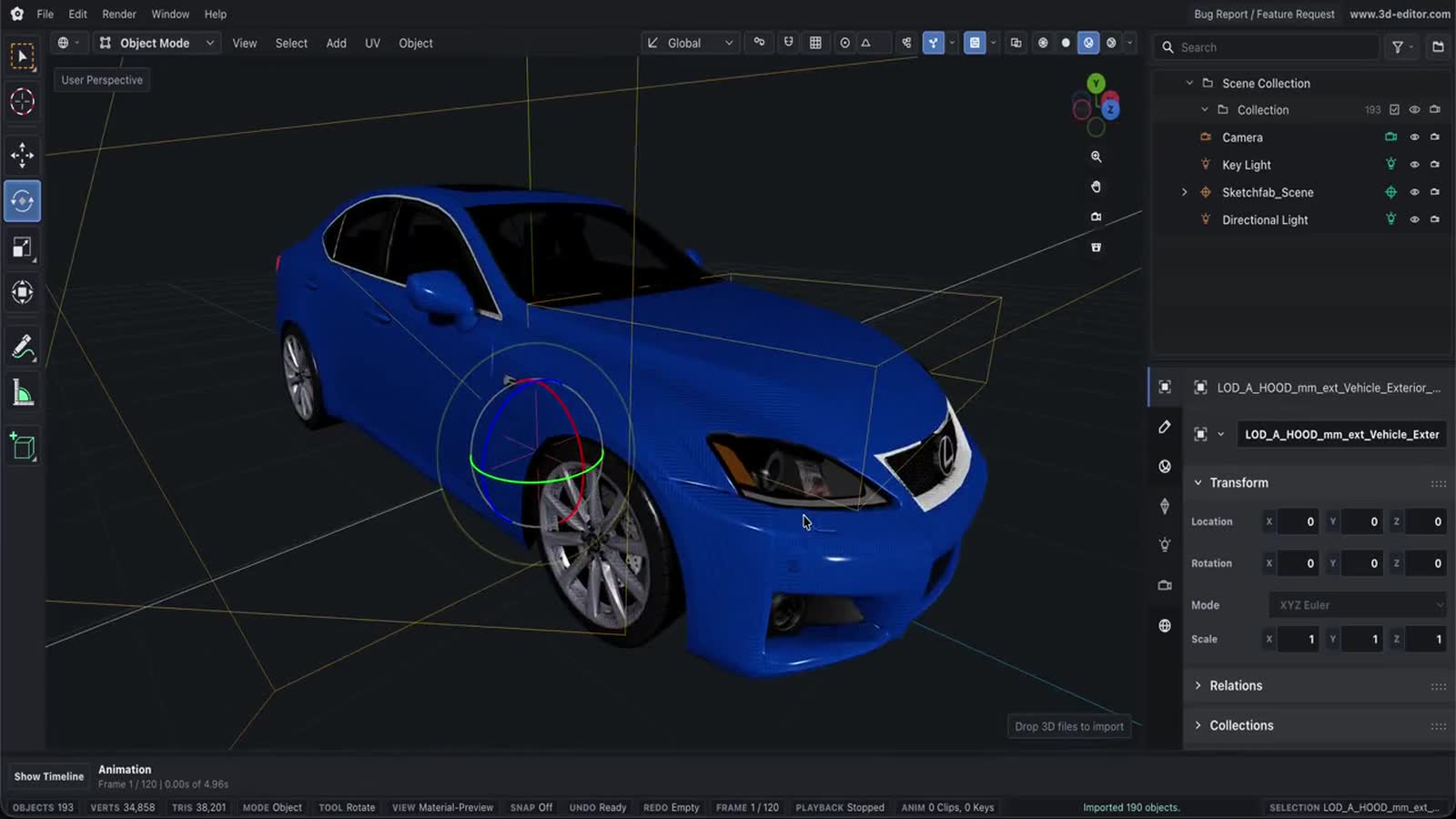
Export GLTF Online
Use Online 3D Editor to prepare a scene in the browser and export it as GLTF.
Capabilities
What you can do
- Export the whole scene or selected objects as GLTF.
- Control visible-only export and texture sizing from the export menu.
- Preserve richer scene data and animation when exporting GLB or GLTF.
Process
Workflow
- Open or create a scene.
- Choose GLTF in the export menu.
- Download the exported file from the browser.
Support
Format support
- Output
- GLTF
- Format
- GLTF
Notes
Important limitations
- GLB and GLTF are the recommended outputs for richer scene data and animation.
Next
Related pages
GLB / glTF viewerPBR materials & texturesOnline 3D Tools3D editor resources3D File FormatsFormat references3D Object Converter Online3D format conversionGLTF File Format3D format guideOnline GLTF Editor3D format editor3D measure & inspectDimensions, volume, mass, BOMOnline GLB Editor3D format editor