
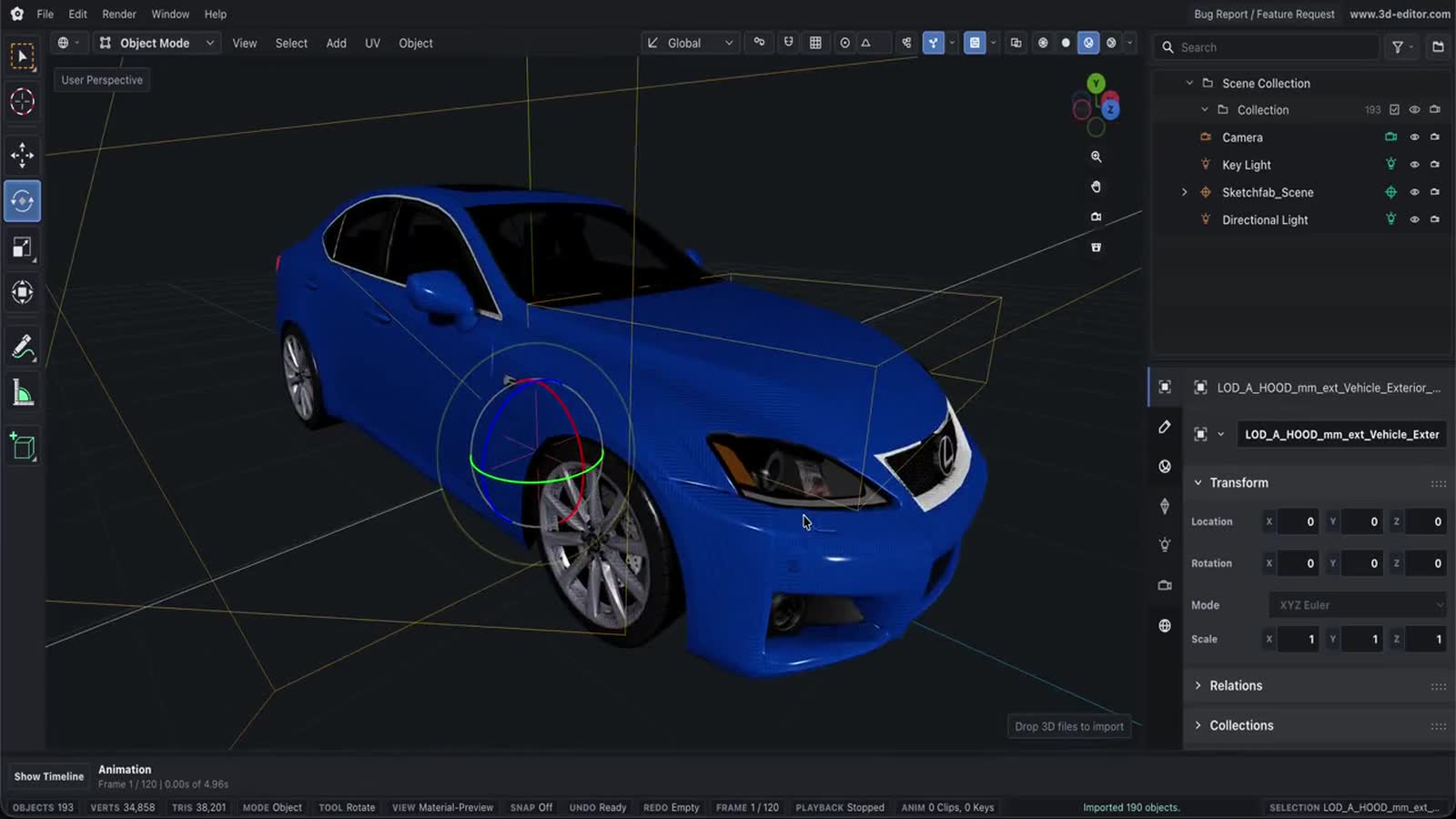
Export STL Online
Use Online 3D Editor to prepare a scene in the browser and export it as STL.
Capabilities
What you can do
- Export the whole scene or selected objects as STL.
- Control visible-only export and texture sizing from the export menu.
- Use this output when a geometry-focused workflow is acceptable.
Process
Workflow
- Open or create a scene.
- Choose STL in the export menu.
- Download the exported file from the browser.
Support
Format support
- Output
- STL
- Format
- STL
Notes
Important limitations
- STL stores surface geometry only and does not preserve materials, textures, lights, cameras, or animation.
Next
Related pages
STL viewerWith dimensions & watertight checkOnline 3D Tools3D editor resources3D File FormatsFormat references3D Object Converter Online3D format conversionSTL File Format3D format guideOnline STL Editor3D format editor3D measure & inspectDimensions, volume, mass, BOMPrintability checkerWatertight, fit & filament costSTL repairWatertight & printableOnline GLB Editor3D format editor