
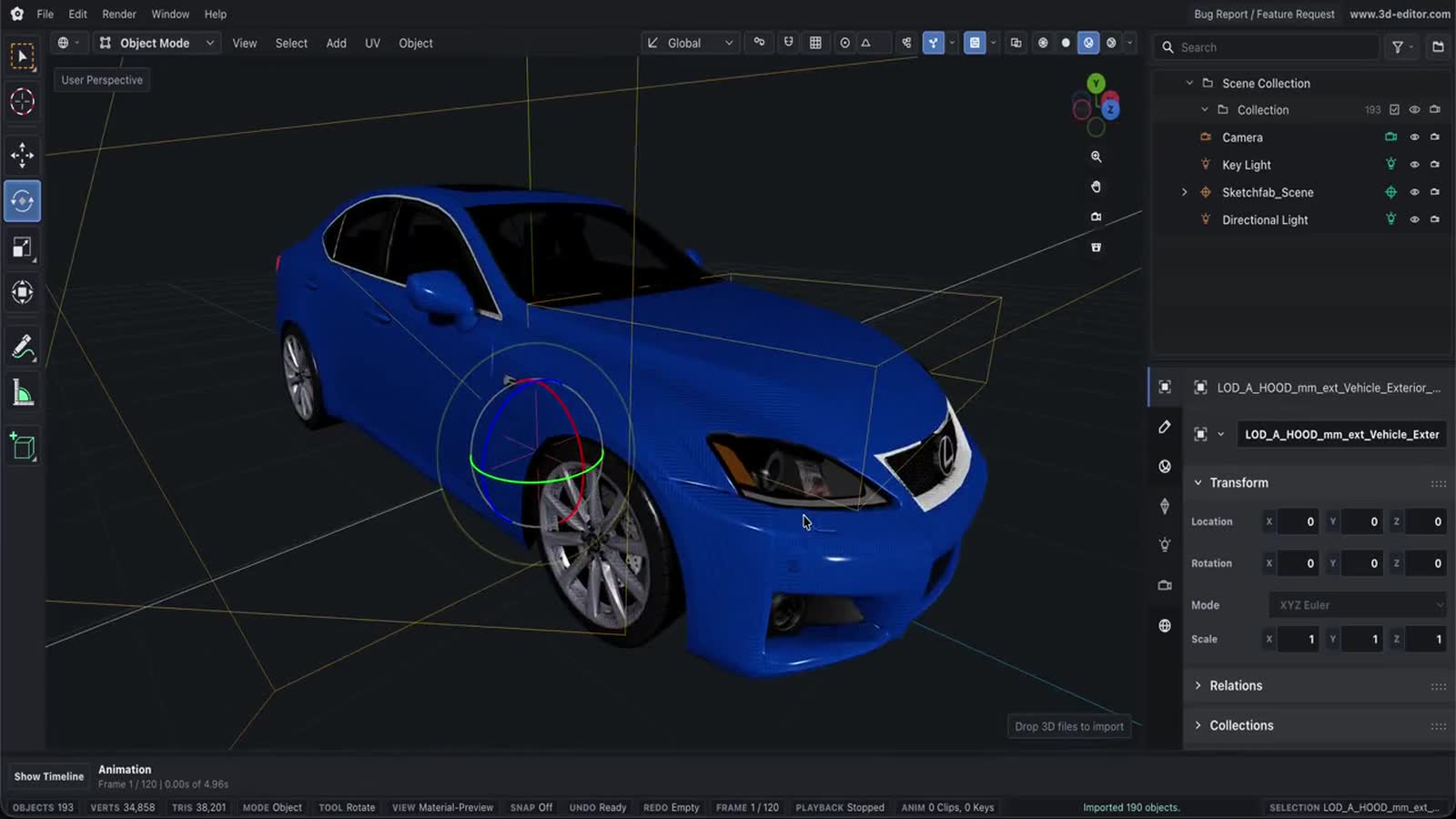
Web3D Project Editor
Save and reopen .web3d browser 3D projects using the same browser workspace as the main Online 3D Editor.
Capabilities
What you can do
- Save editor metadata, GLTF scene data, timeline settings, collections, and assets.
- Load .web3d project files later in the browser.
- Use browser project save to restore your project on the next visit.
Process
Workflow
- Open the editor.
- Choose or import a model.
- Use the workflow tools and export or save the result.
Support
Format support
- Workspace
- Browser-based 3D editing
Notes
Important limitations
- Browser project save uses browser storage (IndexedDB) and can be limited by storage quota or cleared browser data.
Next