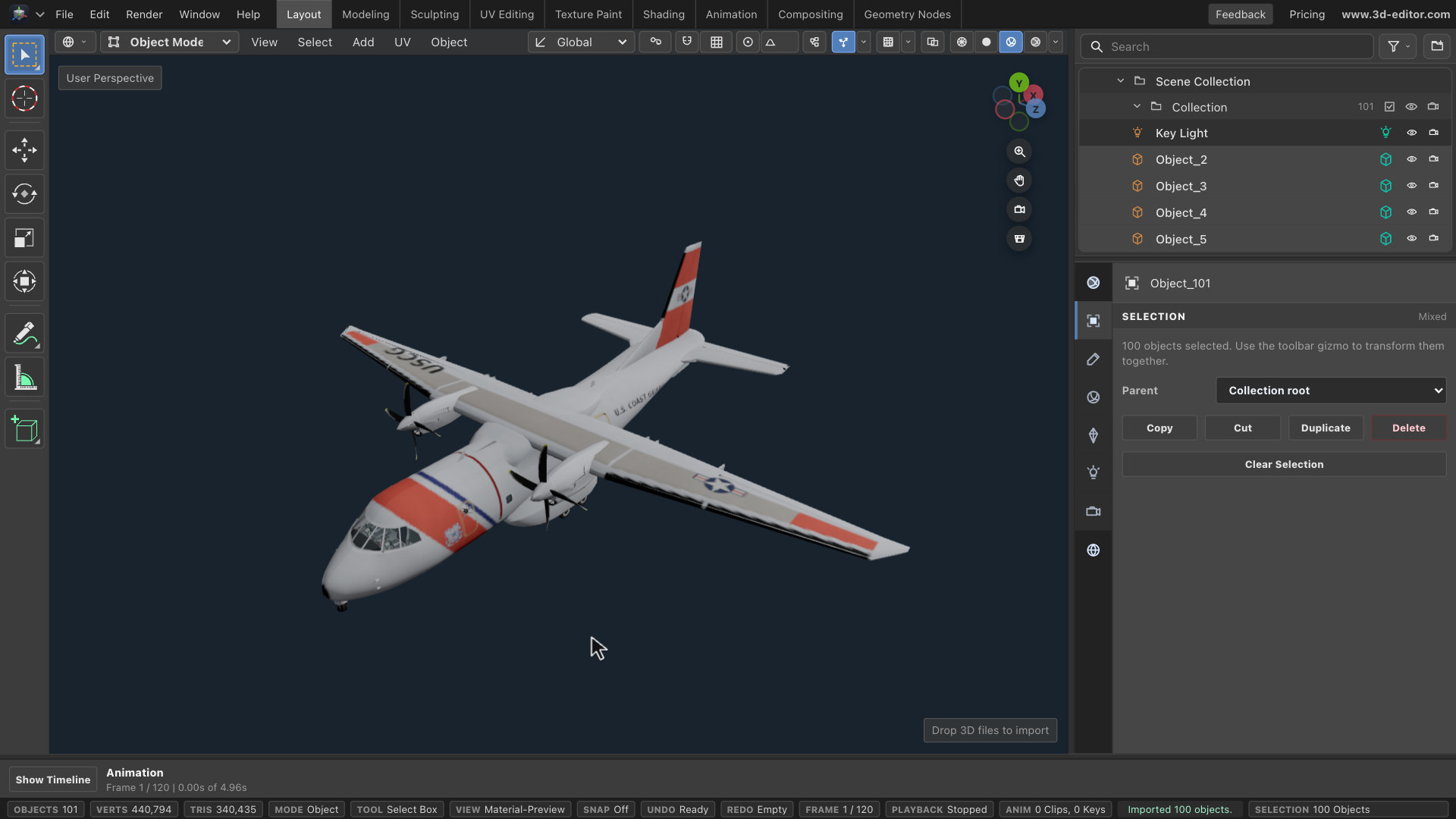
Import your GLB
- Get the aircraft from the creator link, or use your own GLB. Remove the default Cube and Camera with Object → Delete; keep Key Light.
- In File, enable Import as group. Choose File → Import Files and select your GLB.
See the whole model
- Select the top-level model group in the Outliner. Choose View → Frame Selected, then zoom in slightly.
- Switch to Material Preview so you can check the shape and painted details.
Reduce one mesh
- A mesh is one editable piece of a model. Select a broad, solid part with detail to simplify in the 3D view or Outliner. Expand nested groups to reach an individual mesh.
- Open Modifiers → Add Modifier → Decimate. Try Target % at 50, then press Enter.
Decimate requires Pro. Target % controls vertices in this mesh, not the whole model, triangle count, or final file size.
Check the shape
- Toggle the modifier off and on. Rotate the view and inspect the silhouette and surface details.
- Raise Target % if important shapes are damaged. Keep the modifier editable while you compare.
Repeat selectively
- Select another mesh and repeat. Choose its Target % separately; not every part needs the same reduction.
- Leave thin or delicate shapes alone, such as wings and propellers on this aircraft.
Export the complete model
- Select the top-level model group again to include all its visible parts. In File → Export, choose GLB binary, Scope to Selected, and Only visible.
- Set Max texture size to 512, then Export. Enabled modifiers are included.
Smaller textures can soften fine markings. Choose a higher limit if those details matter.
Measure and reopen
- In this aircraft example, the export is 21,134,228 bytes, down from 23,381,420: 9.61% smaller—not 50%. The complete model has 340,435 triangles instead of 381,742.
- For the re-open check, start a clean scene and turn off both Import as group and Center imported asset before importing the export. Inspect it and keep the original as your backup.
Keep per-part centering off so the pieces stay aligned. Results vary by model and settings.